

New version!!!
Nothing exciting, but it is more complete, I added several things:
Edit:changelog:
So, to answer Highelf and Eumolpus, now it should be more usable.
Something that is still missing is an intelligible bit-flag management.
I've added some tool for mesh editing: "recopute normals and unify"
that should fix the shading in the God-sceen screenshots I see.
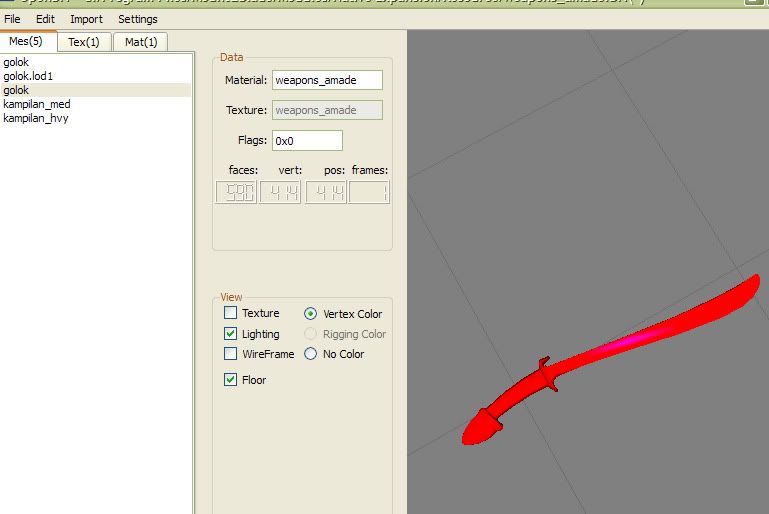
(edit: shading is wrong, flat shading. You can see triangles)
I also added the option to automatically do that after mesh imports, but don't turn it
on if you trust the tool that produces your meshes to also produce good normals.)
As for the "unify" part, it means that vertices and position are matched and reindexed, for more compact
and more render-efficient meshes.
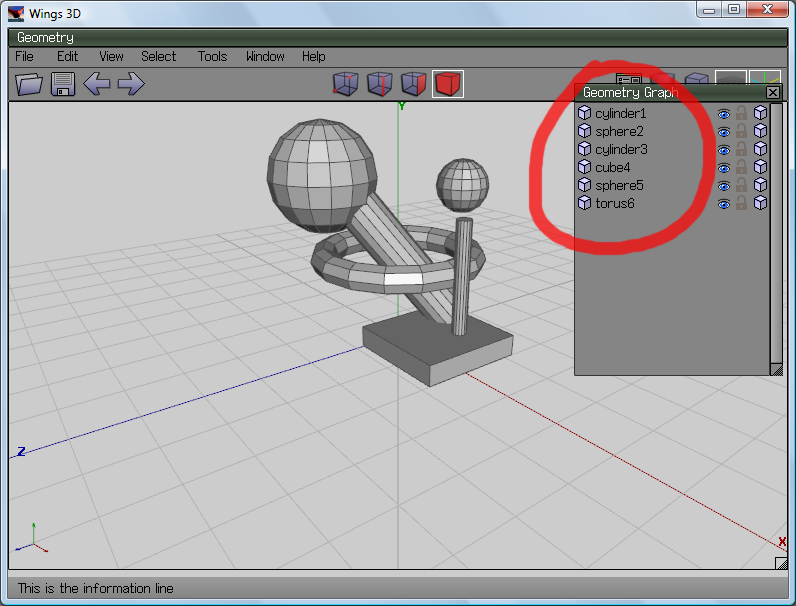
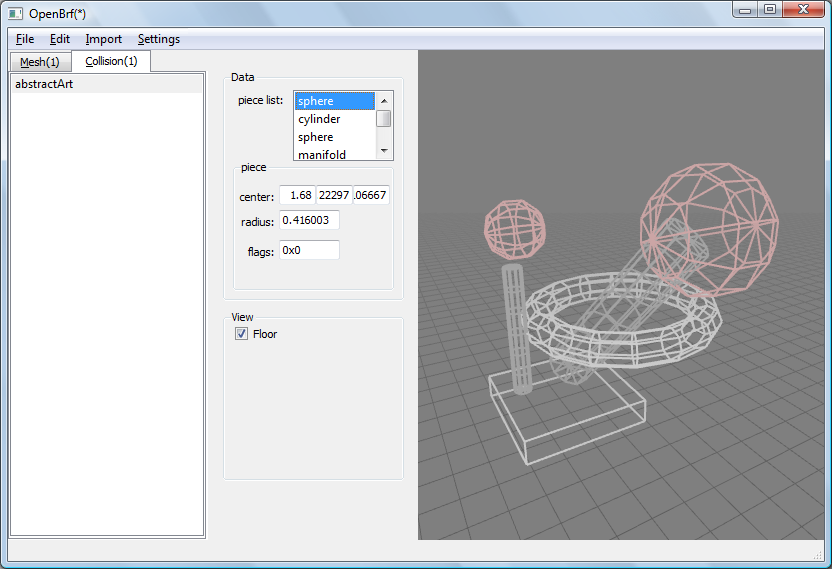
Collision meshes can be exported as Obj. I'm working on an importer to match it.
(the issues is that I want it to work also with al kinds of collosion objects: collision spheres, capsules, etc).
(Everytime a texture is not readable, -- either because it is a format openbf does not support, or
baecause is in a position where openbrf didn't look -- a checkboard pattern is shown instead.
And, some texture look just uniform color until you see the alpha channel or use alpha transparency
In a material panel, if you select a texture name -- eg bump or shniness map -- that texture is show.)
Edit: oops I forgot to update verion number in about screen.
amade: Crashes occasionally... I know, I'll try to make it more robust.
Edit: amade: ok, I'll quit doing that... oops!
Nothing exciting, but it is more complete, I added several things:
Edit:changelog:
ver 0.0.12 (17 Ago 2009)
- display and direct editing of material/texture/shader/collision attributes
- creation of material/texture/shaders object
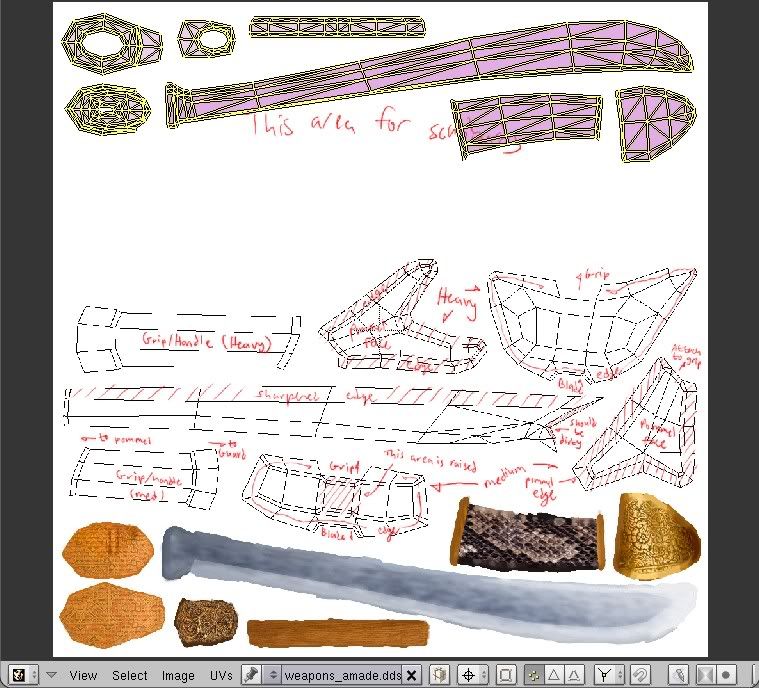
- rendering of textures (and materials, as textures) (sceenshot below)
- export of collision meshes as multi/object obj. (import still missing).
- mesh tools added: recompute normal, unify position/vertices see ("other features" above).
- flags is still just a number, but at least it is shown/edited in hexadecimal
So, to answer Highelf and Eumolpus, now it should be more usable.
Something that is still missing is an intelligible bit-flag management.
I've added some tool for mesh editing: "recopute normals and unify"
that should fix the shading in the God-sceen screenshots I see.
(edit: shading is wrong, flat shading. You can see triangles)
I also added the option to automatically do that after mesh imports, but don't turn it
on if you trust the tool that produces your meshes to also produce good normals.)
As for the "unify" part, it means that vertices and position are matched and reindexed, for more compact
and more render-efficient meshes.
Collision meshes can be exported as Obj. I'm working on an importer to match it.
(the issues is that I want it to work also with al kinds of collosion objects: collision spheres, capsules, etc).
(Everytime a texture is not readable, -- either because it is a format openbf does not support, or
baecause is in a position where openbrf didn't look -- a checkboard pattern is shown instead.
And, some texture look just uniform color until you see the alpha channel or use alpha transparency
In a material panel, if you select a texture name -- eg bump or shniness map -- that texture is show.)
Edit: oops I forgot to update verion number in about screen.
amade: Crashes occasionally... I know, I'll try to make it more robust.
Edit: amade: ok, I'll quit doing that... oops!